JobLens AI Assistant
Project Overview
JobLens — LLM-Powered Job Fit Analysis & Application Tracker
"As a job seeker, I found myself trapped in a loop of 'Tab-Hell': switching between LinkedIn, company career pages, my CV, and a messy tracking spreadsheet."
I've been using Google Sheets as my "Job Hunting" dashboard for a long time. The process was repetitive: search, copy-paste, summarize, and manually evaluate fit. It wasn't just boring; it was cognitively draining. Following the DRY (Don't Repeat Yourself) principle, I built JobLens to reclaim my time and focus on what matters—interviewing.
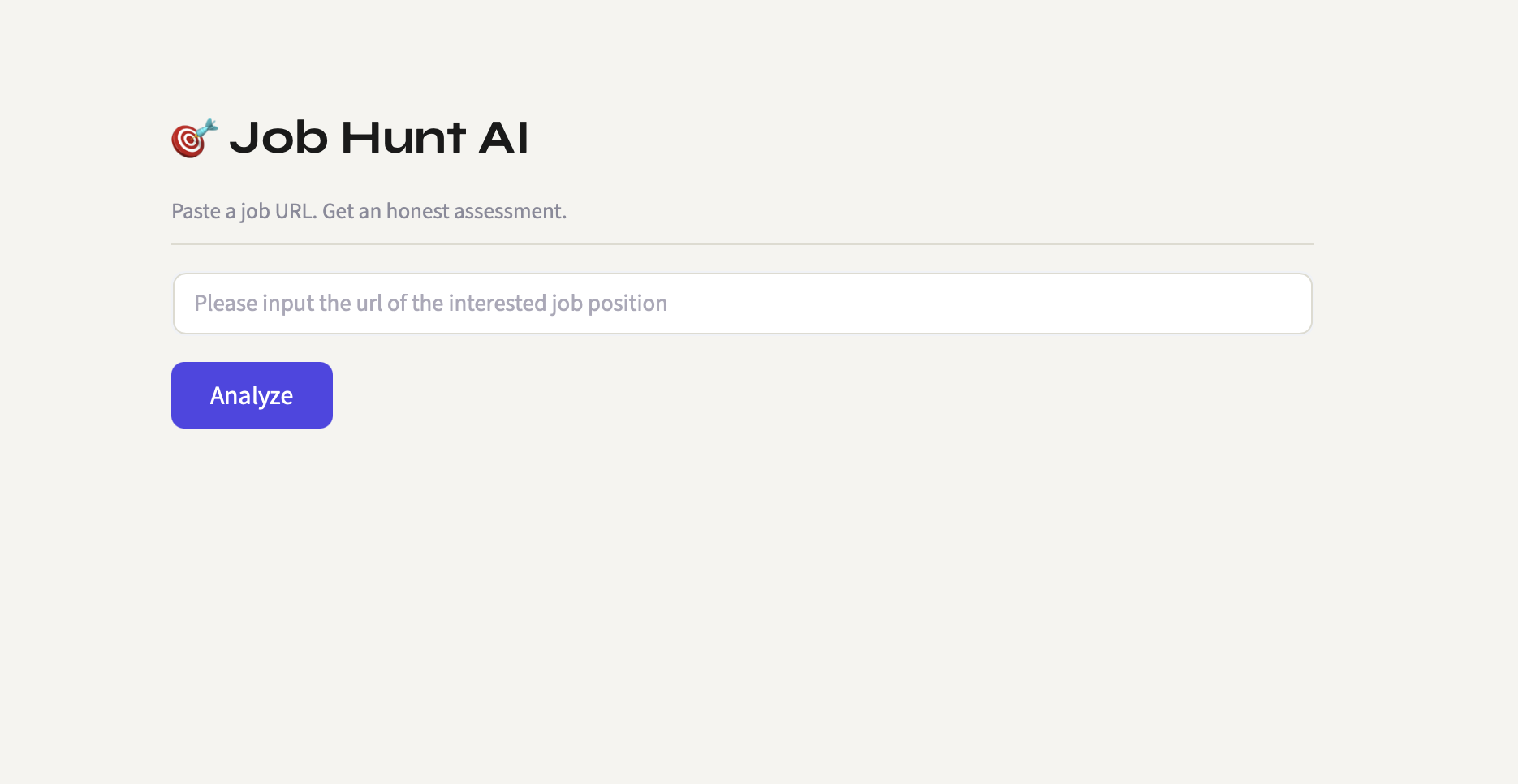
JobLens is a solo-developed automation tool that eliminates the manual grind of job hunting. It scrapes job descriptions directly from ATS platforms, runs a deep LLM-powered comparison against your CV, surfaces match points and gaps, and syncs everything to a Google Sheet for pipeline tracking. Beyond personal utility, the project serves as a technical sandbox for exploring prompt engineering, multi-source web scraping, and LLM-integrated workflow automation.
Role & Scope
As the Sole PM & Dev, I prioritized features based on the highest friction points in the job hunting funnel. Led the full lifecycle from problem identification and system design to implementation, prompt iteration, and deployment. The project was designed to validate how LLM reasoning can be embedded into a structured product workflow — not just as a chatbot, but as a decision-support layer in a real automation pipeline.
Product Thinking & Strategy (PM Perspective)
- Problem Statement: Manual JD-CV alignment is low-value high-effort work.
- Success Metrics: Reduced the time-to-track from 10 minutes per job to <30 seconds.
- Target Audience: Mid-to-senior tech professionals applying to top-tier ATS platforms (Ashby/Greenhouse).
Tech Stack
| Category | Technologies Used |
|---|---|
| Backend | FastAPI, Python |
| Frontend | Streamlit |
| AI Layer | Gemini API (LLM-powered CV vs JD analysis) |
| Scraping | Jina Reader, custom parsers for Greenhouse / Ashby / Lever / SmartRecruiters / Workday |
| Data Sync | Google Sheets API via gspread |
| Testing | Pytest (unit + integration, mocked and live) |
Key Challenges & Solutions
- Multi-ATS Scraping: Built platform-specific parsers for five major ATS providers with Jina Reader as a universal fallback, handling structural inconsistencies across job board HTML
- Prompt Versioning & Tuning: Maintained a versioned
analyzer_prompt.mdto track LLM behaviour changes across iterations — applying product iteration discipline to AI prompt design - Structured LLM Output: Engineered prompts to return consistent, parseable analysis (match points, gaps, improvement suggestions) rather than freeform text, enabling downstream Google Sheets sync
- Mitigating AI Hallucination: Implementing strict extraction rules to ensure the analysis is grounded in reality.
- The "Human-in-the-loop" Workflow: How I built an evaluation set to benchmark AI responses against my manual reviews.
Software Development Lifecycle
| Phase | Key Activities |
|---|---|
| Initiation | - Identified friction in manual CV-JD matching - Scoped core loop: scrape → analyze → track |
| Planning | - Designed modular services layer (read, analyze, sync) - Chose FastAPI for future API extensibility |
| Development & Testing | - Built iteratively with prompt tuning in parallel - Implemented pytest unit + integration test split |
| Release & Deployment | - Published with .env.example and clear README- Prompt versioning header added for traceability |
| Iteration & Impact | - Refined analyzer prompt across multiple versions - Expanded ATS scraper coverage based on real job hunt usage |
Project Structure
The tool follows a modular services architecture for maintainability and extensibility:
job-hunt-ai/
├── services/
│   ├── read.py           # Fetches JD from URL — ATS-specific + Jina fallback
│   ├── aianalyzer.py     # Gemini-powered CV vs JD comparison
│   └── updatesheet.py    # Syncs results to Google Sheets via gspread
├── prompts/
│   └── analyzer_prompt.md  # Versioned system prompt — edit to tune AI behaviour
├── tests/
│   ├── test_read.py              # Unit tests — mocked, fast, always run
│   └── test_read_integration.py  # Integration tests — real network, run manually
├── app.py          # Streamlit UI — main entry point
├── main.py         # FastAPI routes (future API use)
├── pyproject.toml
└── .env.example
GitHub Repository: JobLens (job-hunt-ai)
Design Decisions
Why FastAPI alongside Streamlit? Streamlit handles the immediate UI, but FastAPI was scaffolded from day one to keep the door open for exposing the analysis pipeline as an API — mirroring how real platform products separate frontend from backend contract.
Why prompt versioning? LLM behaviour drifts as prompts are edited. Treating analyzer_prompt.md as a versioned artifact — with a header tracking iteration history — applies standard product changelog discipline to AI behaviour management.
Why split unit and integration tests? Mocked unit tests run on every change without network dependency. Integration tests hit real ATS URLs and are run manually before releases. This mirrors CI/CD practices in production pipelines.